Haafedk Gsm Tool v4.3 New Update Download
Haafedk Gsm Tool v4.3
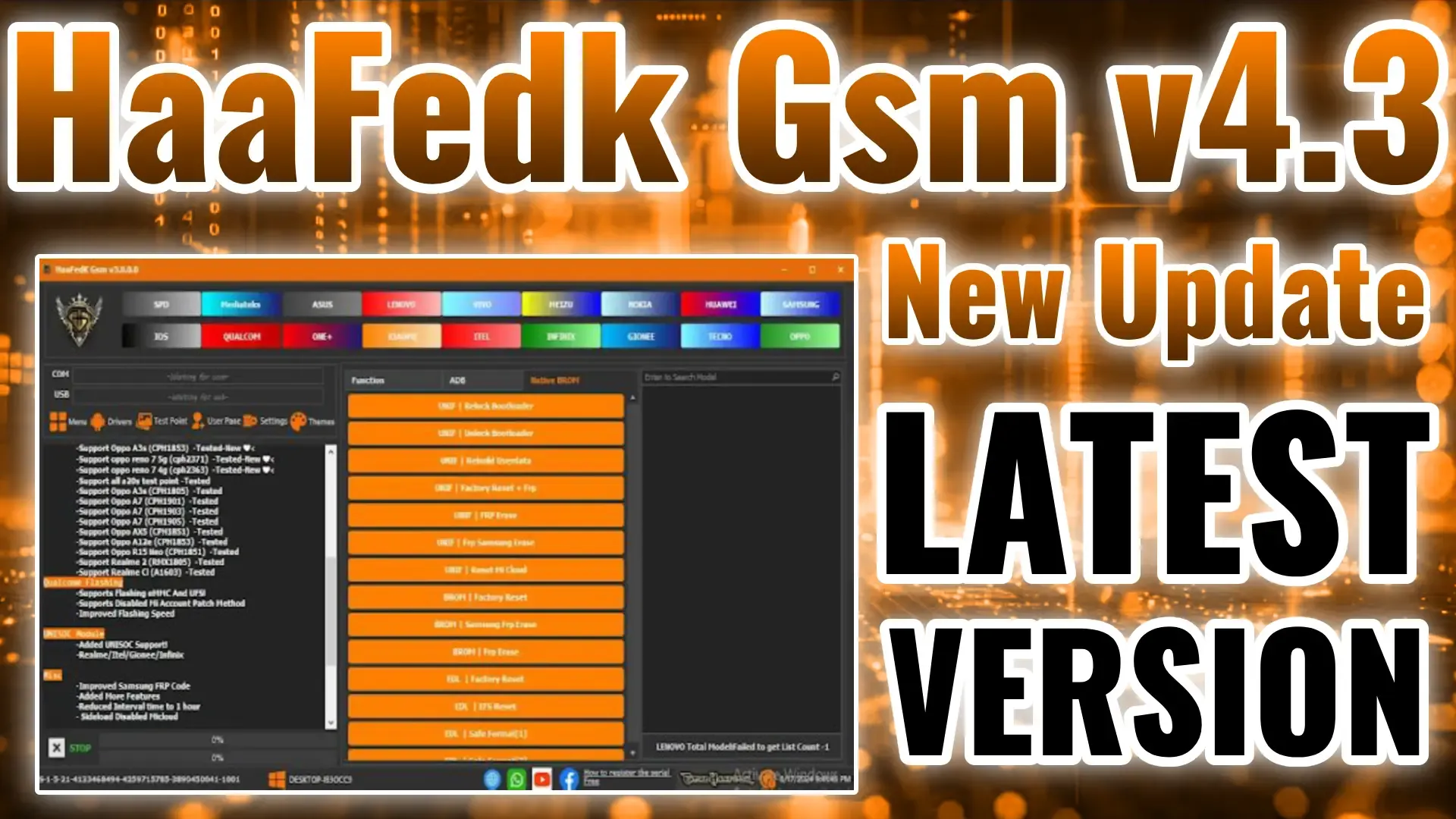%20(1)%20(3).webp "Haafedk Gsm Tool")
Key Features of Haafedk GSM Tool v4.3
1. Network Unlocking Capabilities
One of the standout features of Haafedk GSM Tool v4.3 is its extensive network unlocking capabilities. The tool supports a wide range of devices, including those from popular brands like Samsung, Huawei, Xiaomi, and Oppo. Users can easily bypass carrier restrictions, allowing the device to operate on any compatible network, which can be a lifesaver for those using carrier-locked phones or frequently traveling internationally.
2. FRP (Factory Reset Protection) Bypass
FRP locks can be challenging, but Haafedk GSM Tool v4.0 simplifies the process with its FRP bypass feature. This functionality ensures users can regain access to their devices even if they’ve forgotten their Google credentials, making it a vital tool for device reactivation and repair. The FRP bypass works across various Android versions and devices, providing a seamless and quick solution.
3. IMEI Repair and Management
For users facing IMEI issues, Haafedk GSM Tool v4.3 offers a reliable IMEI repair solution. IMEI repair is often necessary for restoring device functionality after software corruption or hardware repairs. This tool ensures users can safely and legally repair IMEI numbers, restoring device compatibility with networks. With simple instructions and a user-friendly interface, users of all levels can perform IMEI repairs with ease.
4. Device Flashing and Firmware Management
Haafedk GSM Tool v4.3 is equipped with flashing capabilities, allowing users to install, update, or repair device firmware. This feature is essential for fixing software issues or bricked devices, offering support for custom and stock ROM flashing across multiple brands. The tool also provides automatic firmware detection and backup options, ensuring the flashing process is both safe and efficient.
5. Rooting and Customization Options
For users who want to unlock their device's full potential, the tool offers rooting and customization options. Rooting enables users to access system-level settings and install custom ROMs or applications that require elevated permissions. Haafedk GSM Tool v4.0 provides a controlled environment to safely root devices without compromising data integrity or functionality, making it a popular choice for advanced users and developers.
6. ADB and Fastboot Functions
Haafedk GSM Tool v4.3 includes support for ADB (Android Debug Bridge) and Fastboot commands, essential for debugging and managing device software. These tools allow users to execute advanced commands, recover lost data, and manage app permissions. With ADB and Fastboot, users gain greater control over device settings, making Haafedk GSM Tool v4.3 a comprehensive solution for advanced GSM device handling.
7. User-Friendly Interface
Unlike other GSM tools, Haafedk GSM Tool v4.3 is designed with an intuitive interface, making it easy to navigate for both beginners and professionals. The tool’s layout is straightforward, with each function clearly labeled, ensuring users can access essential features without confusion.
How to Use Haafedk GSM Tool v4.3
Step 1: Installation and Setup
To begin, download Haafedk GSM Tool v4.3 from the official website or authorized distributor. After downloading, follow these steps for installation:
- Extract the downloaded file to a secure folder.
- Run the installation wizard and follow the on-screen instructions.
- Ensure all drivers are updated for seamless connectivity.
Step 2: Connecting Your Device
Once installed, connect your GSM device to the computer via USB. Make sure USB debugging is enabled on your device for optimal communication. The tool will automatically recognize your device, displaying detailed information, including model, firmware version, and IMEI number.
Step 3: Selecting and Executing Functions
Choose the desired feature from the interface, whether it’s unlocking, FRP bypass, IMEI repair, or flashing. Each function has clear prompts, guiding you through the process step-by-step. Confirm each action, and let the tool perform its task, which typically takes only a few minutes.
Conclusion
The Haafedk GSM Tool v4.3 is an essential tool for unlocking, repairing, and customizing GSM devices. With powerful features like network unlocking, FRP bypass, IMEI repair, and firmware flashing, it provides a complete solution for both novices and professionals. Haafedk GSM Tool v4.3 is highly recommended for anyone looking to master GSM device management, offering an efficient and user-friendly experience.
| Version | Link |
|---|---|
| Haafedk V4.3 | Link |
Post a Comment